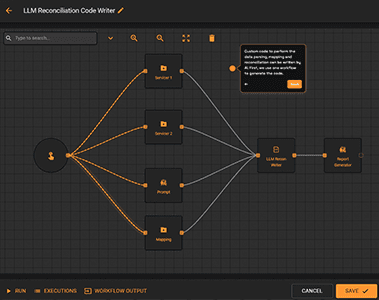
AI Code Writing for Reconciliation
Automated Reconciliation Powered by AI
Asset managers often need to reconcile data from various sources with different headers and formats, which can be time-consuming and labor-intensive. These efforts require significant effort from development teams to create custom code for each reconciliation task, leading to delays and increased operational costs.
Everysk leverages Large Language Models (LLMs) to generate custom reconciliation code. This solution integrates different data sources, automates the code-writing process, and creates a scalable, repeatable workflow for data reconciliation.
Automated AI code writing for reconciliation by Everysk enables asset managers to efficiently and accurately reconcile data from diverse sources, enhancing overall operational efficiency and reducing costs. Each step of the process is completely customizable and scalable for your unique requirements.
Explore the workflow in detail below.
Comprehensive Review
AI Code Writing for Reconciliation
Generate custom reconciliation code at the speed of automation. Keep reading to see all the robots that power the workflow.
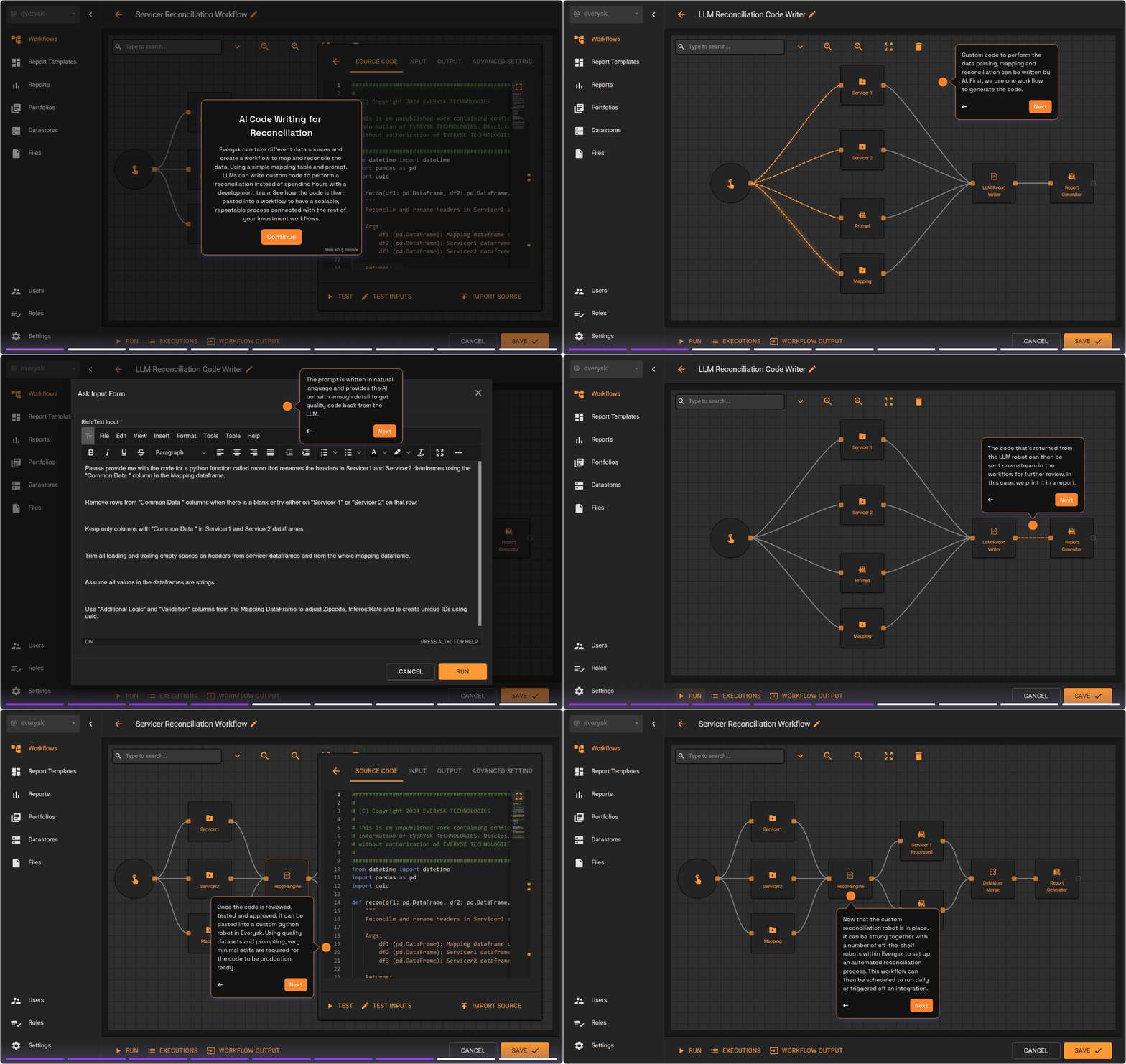
File Retriever
These robots retrieve files from the system or third party integrations. In this example, the workflow retrieves csv files on two sets of loans from different private credit servicers. The data sources have different headers and formatting, but need to be aggregated and reconciled.
Datastore Retriever
This robot retrieves a mapping table saved as a datastore which contains logic and formatting guidance the LLM will use to write the reconciliation code.
User Input
Users enter their prompt as an input when the workflow is kicked off. It contains instructions written in natural language on what type of aggregation and reconciliation checks we want the AI to code.
LLM Robot
The LLM Robot takes the datasets and mapping table and uses a trained agent to process the requested prompt. This robot includes some additional prompting to ensure that the results are professional quality and ready for use in the system. It returns code that can be visualized, stored and run automatically in Everysk.
Report Generator
This robot outputs the code that the LLM generated and saves it in a report for review.
Python Robot
Once the code is reviewed, tested and approved, it can be pasted into a custom python robot in Everysk. Using quality datasets and prompting, very minimal edits are required for the code to be production ready. This robot can be included in its own workflow with other off-the-shelf robots to create an end to end process.
Key Workflow Benefits

Use plain language text prompts to create reconciliations on demand, eliminating the need for in-depth technical knowledge and coding expertise.

Rapid workflow development and deployment significantly reduce data processing time.

Clients connect to their LLM of choice and generate custom code tailored to their needs.